Memory Card Readers
The Best Memory Card Readers for 2026
Updated 2026 · 8 min read · 14 products reviewed
Affiliate disclosure — Some links on this page are affiliate links. If you buy through them, LensGripVault may earn a commission at no additional cost to you. We never accept payment for placement or rankings. Full disclosure.
A memory card reader is the least glamorous item in any kit and the one that saves your day most often. When a camera's Wi-Fi transfer stalls, when a laptop has no card slot, or when you need last night's photos on a phone before you've left the trailhead, a five-dollar reader is the difference between having your images and waiting.
The catch is that 'card reader' now spans a dozen incompatible connectors: Lightning for older iPhones, USB-C for everything current, USB-A for legacy laptops, and dual-interface units that try to do it all. Buy the wrong plug and you own a paperweight. We picked six readers that cover the realistic combinations of device and card most people actually own.
We weighted three things: whether it works without a sketchy companion app, whether the connector matches hardware you'll still have in two years, and whether the speed is high enough to move a full card of 4K clips without a coffee break. Here's the shortlist, an at-a-glance table, and a buying guide on connectors and speed classes.
At a glance
Tap a product name to jump to its full write-up.
The picks, in order

SZHAIYIJIN SD Card Reader for iPhone & iPad
A tiny Lightning reader that drops full-resolution photos straight into the iOS Photos app with no third-party software.
Considerations
- —Lightning only, so it won't help USB-C iPhones or laptops
- —Transfer speed is capped well below a desktop reader
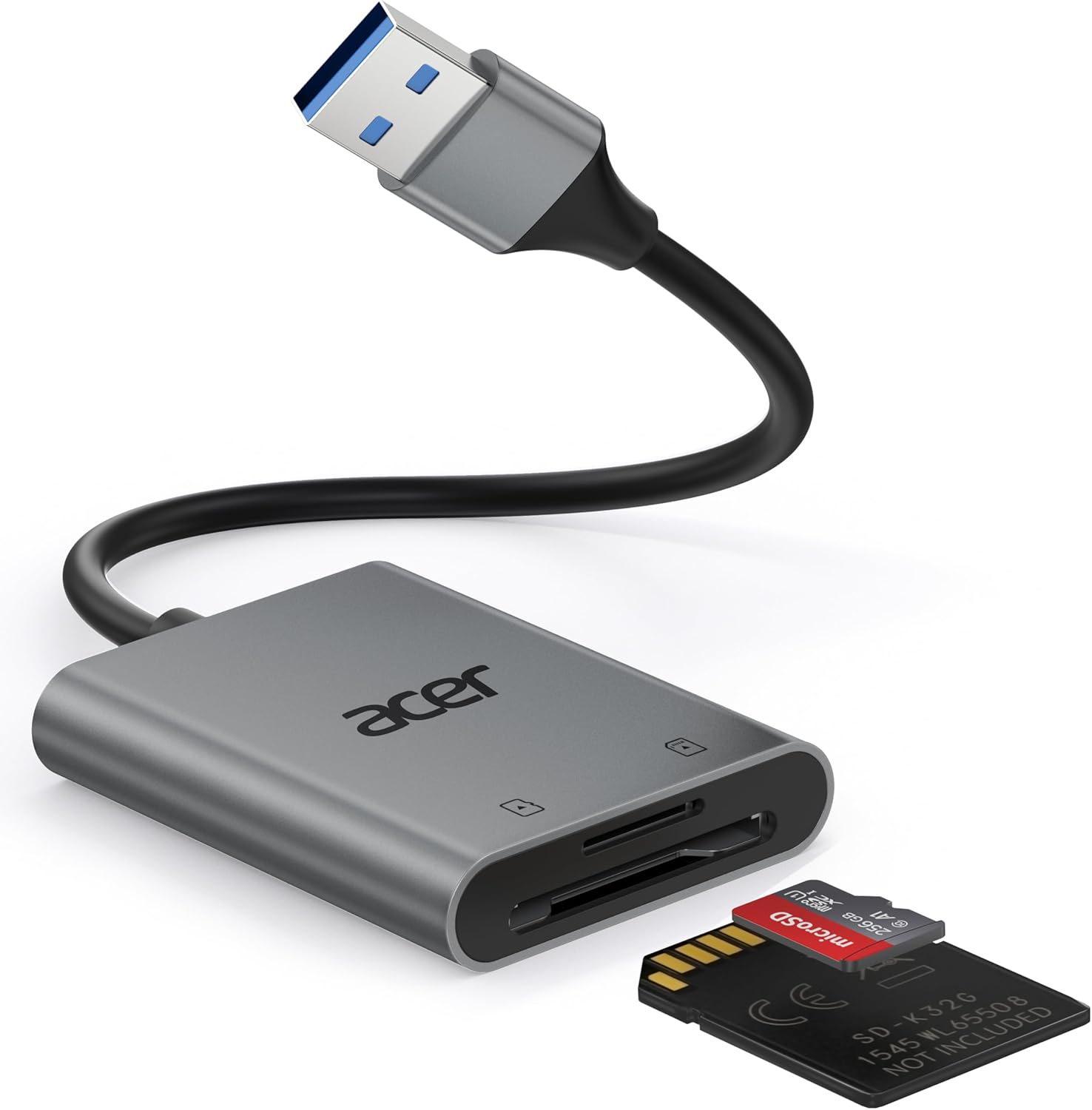
Acer Dual-Slot USB-A 3.0 SD Card Reader
A solid aluminum-bodied desktop reader that handles an SD and a microSD card at the same time over USB-A.
Considerations
- —USB-A plug needs an adapter for USB-C-only laptops
- —No card included, unlike some bundled kits
Readers are small and cheap enough that a backup costs almost nothing. Keep one in your camera bag and one in your laptop sleeve so a lost reader never strands your photos.

Denlane USB-C & Lightning Dual-Interface Reader
One reader with both a USB-C and a Lightning tail, so it bridges old and new phones plus most tablets.
Considerations
- —Two dangling connectors are easy to snag in a bag
- —Jack-of-all-trades speeds trail a dedicated USB reader

USB-C Type-C 3.0 High-Speed SD Card Reader
A no-frills USB-C reader built for modern laptops, Android phones, and USB-C iPads that just wants to move files fast.
Considerations
- —No USB-A fallback for older machines
- —Plain plastic build feels less premium than metal readers

USB-C Camera Adapter Card Reader (White)
A USB-C reader marketed for trail-camera and game-camera users who need to check SD cards in the field on a phone.
Considerations
- —Single-slot; no simultaneous microSD offload
- —White shell shows dirt quickly in outdoor use
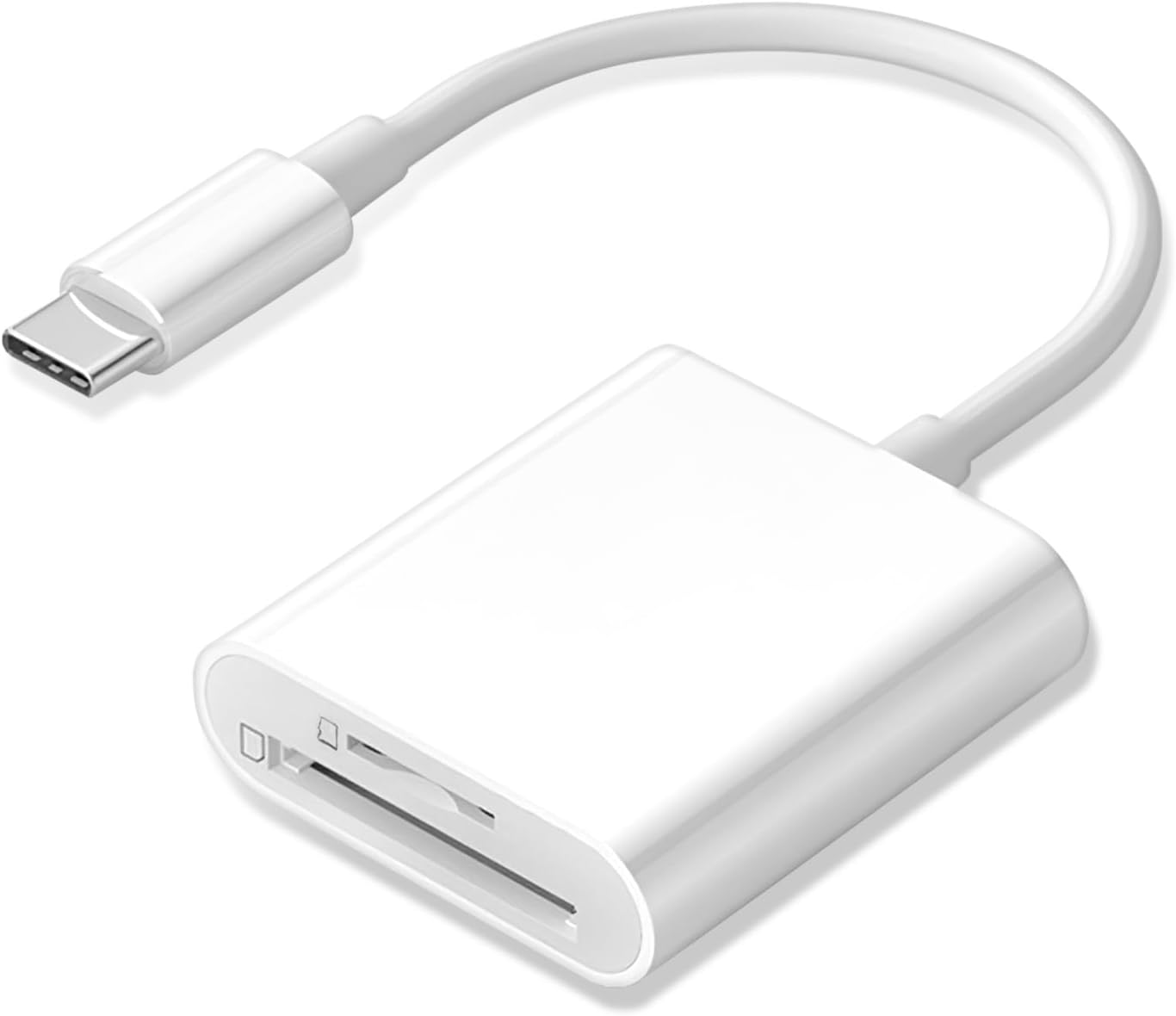
USB-C 2-Slot SD + microSD Card Reader
A dual-slot USB-C reader that lets you copy between an SD and a microSD card directly, phone or laptop optional.
Considerations
- —Reading both slots at once can throttle each a little
- —No cap means the connector can collect lint

Anker USB-C Dual-Slot SD Card Reader
A compact dual-slot USB-C reader from a brand with a real track record, reading SD and microSD at UHS-I speeds.
Considerations
- —No USB-A version in the box for older computers
- —Slightly pricier than generic dual-slot readers

UGREEN USB-C 3.0 SD & microSD Card Reader
A well-built USB-C reader from UGREEN that reads SD and microSD at USB 3.0 speeds and holds up to daily bag abuse.
Considerations
- —USB-C only, no USB-A fallback
- —Slots are snug and need a firm push the first few times

SmartQ C368 USB 3.0 Multi-Card Reader (SD/microSD/MS/CF)
A four-slot desktop reader that still supports CompactFlash and Memory Stick, for people running older DSLRs and camcorders alongside new gear.
Considerations
- —USB-A plug needs an adapter on modern laptops
- —Cable is short, so it lives next to the computer

5-in-1 USB-C & USB-A Card Reader Hub (White)
A small hub that combines SD, microSD, and Memory Stick slots with two USB-A ports, plugging in over either USB-C or USB-A.
Considerations
- —USB ports share bandwidth with the card slots
- —Plastic body is light and easy to knock off a desk

Lightning SD Card Reader for iPhone & iPad
A straightforward Lightning reader that imports camera photos into the iOS Photos app with no companion software.
Considerations
- —Lightning only — useless on USB-C iPhones
- —Large RAW batches import slowly

BENFEI 4-in-1 USB 3.0 & USB-C Card Reader (SD/microSD/MS/CF)
A four-slot reader with both USB-A and USB-C plugs that can read and write all four cards at once.
Considerations
- —Two attached plugs add bulk in a pocket
- —Parallel transfers slow each card a little

4-in-1 USB-C Card Reader with USB-A Adapter (SD/TF/CF/MS)
A USB-C four-format reader that ships with a USB-A adapter, so one accessory covers phones, tablets, and older desktops.
Considerations
- —Small adapter is easy to misplace
- —White finish shows grime from bag life

5-in-1 USB-C & USB-A Card Reader Hub, Compact (White)
A second take on the 5-in-1 hub idea: card slots plus two USB-A ports, in a slightly different shell for those who prefer this layout.
Considerations
- —Shared bandwidth between USB ports and cards
- —No CF slot for older DSLRs
How to choose
Match the connector to your next phone, not your last one
The single most common mistake is buying a reader for the device you have today when you're about to upgrade. Apple has moved iPhones to USB-C, so a Lightning reader is a shrinking investment unless you specifically own older hardware you plan to keep. If you're buying one reader to last, a native USB-C model covers current iPhones, virtually all Android phones, iPads, and modern laptops.
Keep a USB-A reader only if your main computer still has those rectangular ports. Dual-interface readers with both USB-C and Lightning tails are the safe hedge for a household that spans generations, at the cost of a slightly clumsier design with connectors that like to snag inside a bag.
Speed is about the whole chain
A USB 3.0 reader is only as fast as the slowest link between the card and the drive you're copying to. A fast reader paired with a slow card, or plugged into a USB 2.0 port on a cheap hub, delivers USB 2.0 speeds. For offloading big video files, use a USB 3.0-or-better reader, plug it directly into the device rather than through an unpowered hub, and pair it with a card whose speed class matches your camera's output.
Dual-slot readers add a genuinely useful trick: copying directly from one card to another, or merging an SD and a microSD in a single session. Just know that reading both slots at once can split the available bandwidth, so back-to-back copies are sometimes faster than simultaneous ones.
Eject properly or pay for it later
Pulling a card mid-write is the fastest route to a corrupted folder full of half-saved files. Always use your operating system's eject or 'safely remove' step before you yank a card out of the reader, even when the copy looks finished — the OS may still be flushing its cache. On a phone, wait for the import to fully complete and dismiss before removing.
For fieldwork, favor a small, capped or cap-free reader that won't collect lint in the connector, and keep it on a lanyard or in a dedicated pocket. The best reader is the one you actually have with you when the card is full and the camera battery is dead.
Some phone readers force you through a proprietary app that wants account logins and photo permissions. Prefer plug-and-play units that hand files straight to the built-in Photos or Files app.
Go deeper
Memory Card Speed Classes Explained: What You Actually NeedThe symbols on an SD card look like alphabet soup. Here's what each rating actually promises, and how to match a card to what you shoot.
Frequently asked questions
Will a USB-C card reader work with my iPhone?+
If your iPhone has a USB-C port (iPhone 15 and later), yes — a native USB-C reader plugs straight in and imports through the Photos app. Older Lightning iPhones need a Lightning reader or a USB-C-to-Lightning path instead.
Do I need a special app to import photos?+
Not with the readers we recommend. They present the card as standard storage, so iOS and Android's built-in Photos or Files apps handle the import. Avoid readers that require a proprietary login-gated app.
Why is my card reader so slow?+
Usually the card, the port, or a hub is the bottleneck — not the reader. Use a USB 3.0 reader in a USB 3.0 port (often blue inside), skip unpowered hubs, and pair it with a card fast enough for your camera.
Can I copy from one card directly to another?+
Yes, with a dual-slot reader. Load both cards and drag between the two drives your computer shows. It's the quickest way to duplicate footage without importing to a computer first.
Is it safe to leave a card in the reader?+
It's fine for storage, but always eject in the operating system before physically removing the card. Pulling it during a write is the most common cause of corrupted files.
Sources & further reading